
In today’s fast-paced digital world, customer support is more critical than ever. With customers expecting fast and personalized service, having reliable helpdesk software is key. The features of helpdesk software allow businesses to streamline their support processes, keep track of customer interactions, and ensure consistent, high-quality service. Whether you’re a small business or a large organization, using helpdesk software can be a game-changer.
Let’s dive into the core features of helpdesk software that help support teams stay organized, efficient, and ready to tackle any customer query.
What is Helpdesk Software?
Helpdesk software is designed to manage customer inquiries, technical support requests, and other types of customer service interactions in a single platform. It centralizes support channels like email, phone, and chat, making it easy to track, manage, and resolve issues efficiently. For instance, businesses can use helpdesk software to organize incoming requests, prioritize tasks, and provide timely responses to customers across multiple channels.
Below are the core features of helpdesk software that make it so valuable.
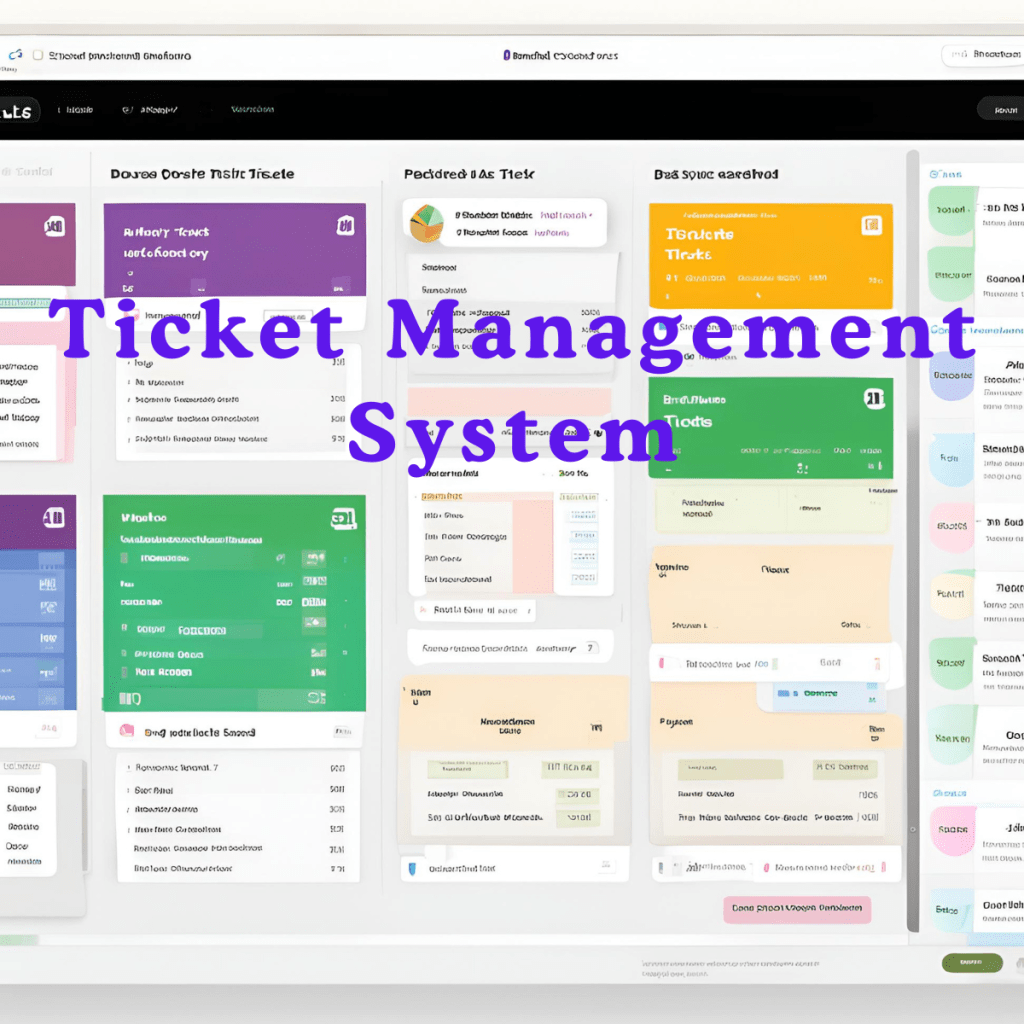
1. Ticket Management System
One of the foundational features of helpdesk software is its ticketing system. This feature captures customer requests as “tickets” that agents can track and manage.
- Ticket Creation & Tracking: Each customer inquiry is converted into a ticket that agents can prioritize and manage in a single location. For example, support teams can categorize tickets by priority level, such as “Urgent,” “High,” or “Low.”
- Email Integration: Most helpdesk software integrates with email, automatically converting customer emails into tickets.
- Ticket Routing & Assignment: Route tickets to the right agents based on predefined rules. For instance, tickets about billing can go to finance, while technical issues go to tech support.
Ticket Management System Summary
| Feature | Description |
|---|---|
| Ticket Creation & Tracking | Convert customer inquiries into trackable tickets |
| Email Integration | Automatically converts emails into tickets |
| Routing & Assignment | Directs tickets to the right team or agent |
| Customizable Views | Allows filtering and viewing tickets based on various parameters, like status or priority |
2. Omnichannel Support
Today’s customers reach out through various channels, and omnichannel support makes it possible for agents to respond effectively no matter the platform.
- Email, Phone, and Chat Support: Manage all interactions in one place, whether they come from email, phone calls, or live chat on the website.
- Social Media Integration: Connect with customers on social media platforms like Facebook and Twitter without leaving the helpdesk software.

- Customizable Web Forms: Create forms for the website, allowing customers to submit requests that go directly into the ticketing system.
This level of support means a customer can reach out on Twitter about an issue and follow up through email without repeating details.
3. Knowledge Base & Self-Service
Offering customers the ability to solve issues on their own can significantly reduce support workload. Helpdesk software knowledge base and self-service features make this possible.
Integrated Knowledge Base: Publish articles, FAQs, and tutorials that customers can access at any time.

- Public and Private Articles: Share articles either publicly for customer use or keep them private for internal training.
- Quick Search Functionality: Customers can search the knowledge base for answers to common questions.
Knowledge Base Example
A telecommunications company might publish an article on troubleshooting common internet connectivity issues. When customers encounter such issues, they can consult the article before contacting support, reducing the ticket volume.
4. Automation & Workflow Management

Helpdesk software often includes automation tools that make repetitive tasks easier. Automation and workflow management can include setting up rules for common situations, such as assigning tickets based on keywords.
- Triggers and Schedulers: Automate routine tasks, like setting reminders for follow-up on unresolved tickets.
- Macros: Predefined responses or actions, such as a “Thank you for reaching out” response, can save time for agents.
- Escalation Rules: Automatically escalate tickets if they aren’t resolved within a certain timeframe.
These tools ensure that support teams stay on top of tasks and maintain a high level of service.
5. Reporting & Analytics

Reporting and analytics are powerful features in helpdesk software, allowing managers to track performance and identify areas for improvement.
- Customizable Reports: Generate reports on ticket volume, resolution times, and agent performance.
- Real-Time Dashboards: Access live data on ticket status and other metrics.
- SLA Compliance Tracking: Ensure agents are meeting service-level agreements (SLAs) by tracking response and resolution times.
Example Use Case for Reporting
An ecommerce business may use analytics to see if customer complaints increase during holiday sales. By identifying trends, they can allocate more resources during high-demand times.
6. Customer Management Features
A helpdesk is only as effective as its ability to manage customer information. The customer management features in helpdesk software ensure agents have access to critical data.
- Role-Based Access Controls: Assign permissions to team members based on their role, ensuring data security.
- Customer Self-Service Portal: Allow customers to check ticket statuses and manage their requests.

- Customer Profiles & History: Maintain a record of customer interactions, enabling agents to provide personalized support.
For example, if a customer has a long history of tickets, agents can see previous solutions provided and avoid redundant responses.
7. Security & Compliance

In industries where data protection is crucial, the security and compliance features of helpdesk software provide the necessary safeguards.
- Two-Factor Authentication (2FA): Adds an extra layer of security for agent accounts.
- Data Encryption: Ensures that sensitive customer data remains secure.
- Audit Logs: Track every action for accountability and transparency.
These security features are especially beneficial for businesses in sectors like finance or healthcare, where data protection is paramount.
8. Integration Capabilities
Integrating with other systems is a crucial feature in helpdesk software, as it creates a seamless experience across platforms.
- API Access: Connect helpdesk software with other tools, such as CRM or ERP systems.
- Webhook Support: Trigger actions in other applications based on events in the helpdesk.

- Add-Ons and Plugins: Extend functionality with plugins for tools like Slack, Microsoft Teams, or other CRM platforms.
For instance, integration with a CRM system allows sales teams to view support tickets directly in the CRM, keeping everyone in the loop.
9. Collaboration Tools

Helpdesk software includes collaboration tools to facilitate teamwork among agents.
- Live Chat for Agents: Communicate instantly with other team members for quick ticket resolutions.
- Internal Notes: Add private notes to tickets that only team members can view.
- Agent Collision Detection: Prevent multiple agents from working on the same ticket.
These tools are especially useful for remote support teams, keeping everyone informed and working efficiently.
10. Mobile Access
With mobile-friendly access, helpdesk software enables agents to manage tickets on the go.
- Responsive Interface: Use the software seamlessly on both mobile and desktop.
- Mobile App Access: Handle tickets and respond to customers via mobile apps for iOS and Android.

This is essential for companies with on-the-go customer support needs, such as field technicians who can resolve tickets on their mobile devices.
Why These Features Matter
Each of these features of helpdesk software contributes to faster, more efficient, and more reliable customer support. From managing tickets across multiple channels to automating workflows and providing detailed reports, these tools allow support teams to focus on what really matters: the customer experience. With these features in place, businesses can deliver higher levels of service, stay organized, and respond quickly to customer needs.

Leave a Reply